
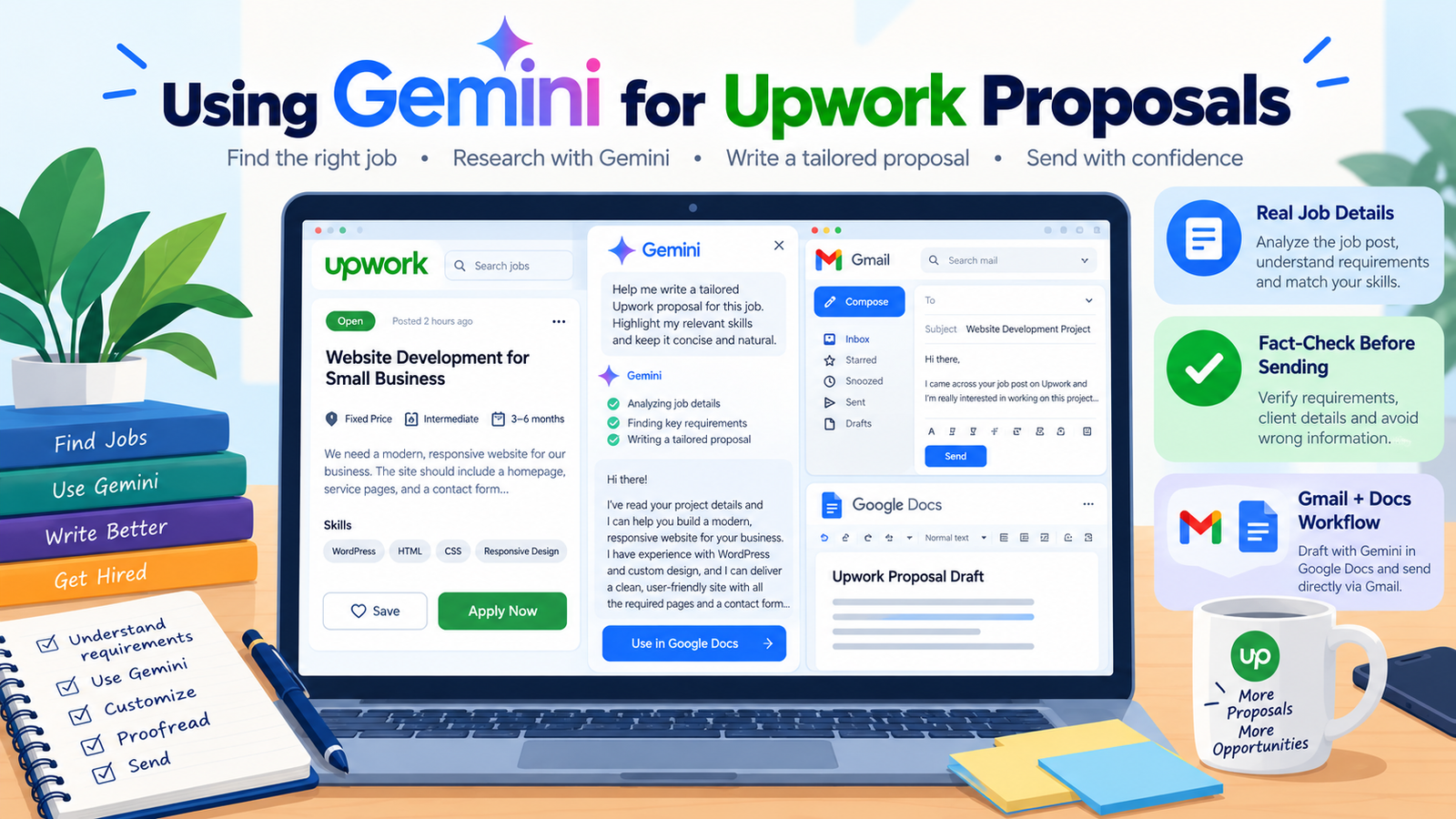
Gemini isn't just "another ChatGPT alternative" for Upwork proposals - it has one practical advantage most guides skip: it sits inside Gmail, Docs, and the rest of Google Workspace, which most freelancers already use daily. You can draft a proposal in Docs, refine it, and send it straight from Gmail without copying text between five different tabs.
Why the integration actually matters
If you're already reading job posts in Gmail (from Upwork's own notifications) or keeping notes in Google Docs, Gemini can work directly inside that workflow. Open the job post email, ask Gemini to draft a proposal based on it, refine the draft in Docs, and send the final version - all without pasting content back and forth between separate apps.
The prompt that actually gets good output
Gemini, like any AI model, produces generic results from a vague request. The fix is the same principle that applies to any AI tool: feed it real, specific information instead of asking it to guess.
That last line matters. Gemini genuinely responds well to being asked to clarify before writing, rather than filling gaps with invented details.
The one thing you must always double-check
Gemini, like other large language models, will invent specific details - a platform statistic, a rate, a claim about how something works - when it doesn't have enough real information and needs to fill a gap. This isn't a flaw unique to Gemini, but it matters more in a proposal than in casual writing, because a client reading a fabricated claim about your experience or a made-up statistic damages trust the moment they notice it. Read every fact, number, and claim Gemini adds before sending - if you didn't provide it, and it isn't a fact you can verify yourself, cut it.
Turning a job post into a sent proposal
- Copy the actual job description from Upwork - not a summary of it, the real text - so Gemini has genuine detail to work from.
- Add your real, specific background - the actual tools you use, a real past project, your actual rate range - not a generic skills list.
- Generate the draft, then read it as the client would. Does the opening line prove you read their specific post, or could it apply to any similar job?
- Fact-check every specific claim before sending - numbers, tool names, anything that sounds like a statistic.
Saving your niche so you don't re-explain it every time
If you're sending proposals regularly in the same niche, Gemini lets you set up a custom, saved assistant (called a "Gem") that remembers your background and writing style, so you don't have to paste your full skill summary into every single prompt. Set it up once with your real background and preferred proposal structure, then just paste each new job post going forward.