
Payments
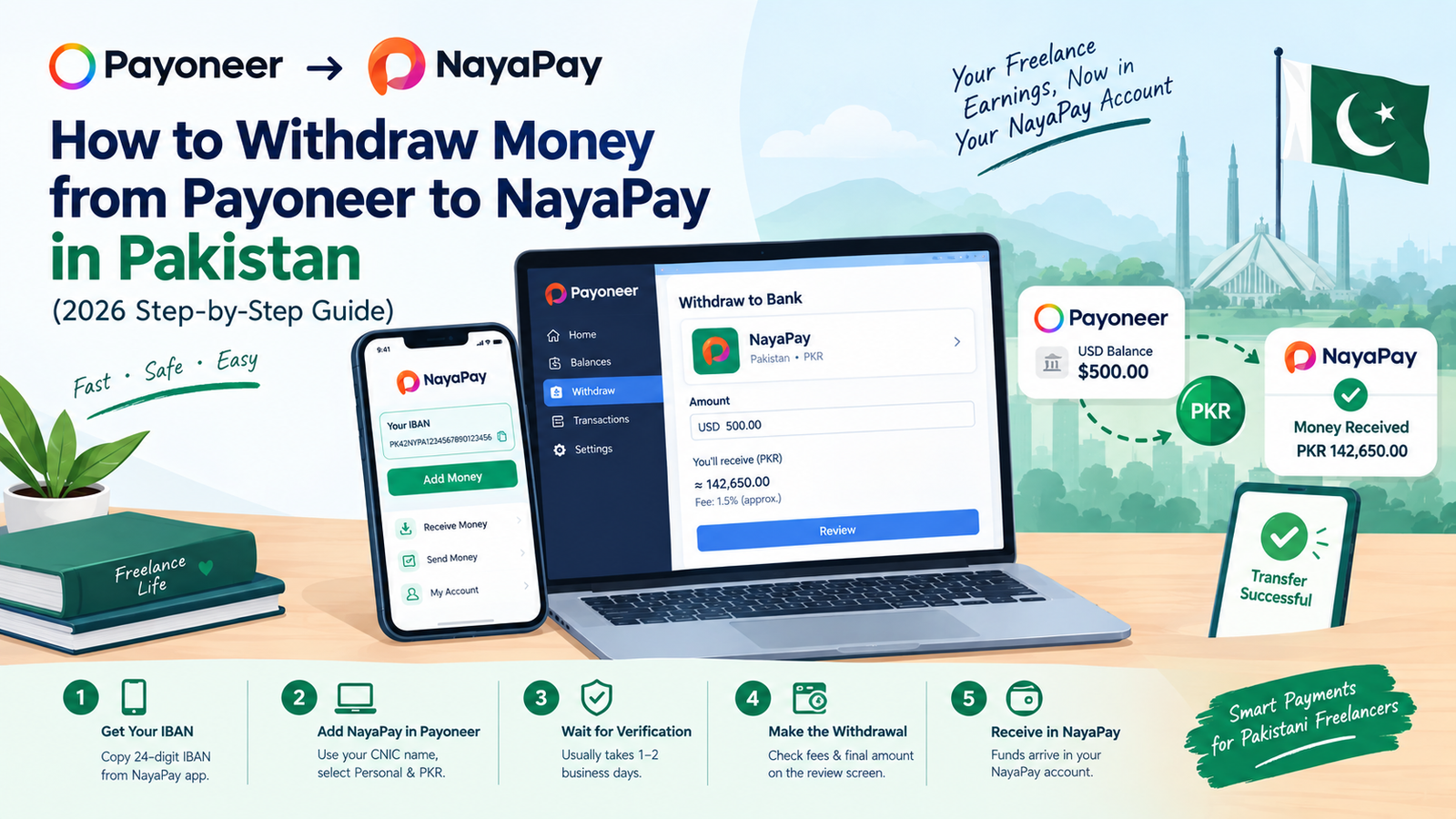
How to Withdraw Money from Payoneer to NayaPay in Pakistan (2026 Step-by-Step Guide)
By Beenish A1 · Published Oct 4, 2026 · Updated Oct 19, 2026
Quick Answer
To withdraw from Payoneer to NayaPay, add NayaPay as a Pakistani PKR bank account in Payoneer using your CNIC name and the 24-digit IBAN from the NayaPay app (Add Money screen). Verification typically takes 1 to 2 business days. After that, choose Withdraw, enter the amount and confirm. Payoneer shows the exact fee and final PKR amount on the review screen, and your NayaPay monthly incoming limit still applies. Frequently Asked Questions
Yes. You add NayaPay as a Personal, PKR bank account in Payoneer using your CNIC name and your NayaPay IBAN, then withdraw to it like any other bank account.
Open the NayaPay app, tap Add Money, and copy the 24-digit IBAN shown there.
Payoneer says it typically takes 1 to 2 business days, and you get an email when it is added.
It varies by withdrawal type and currency. Payoneer shows the exact fee and final PKR amount on the review screen before you confirm. When conversion is involved, the fee is included in the exchange rate.
NayaPay's Help Center lists Rs. 50,000 for a standard personal account, upgradeable to Rs. 400,000 with biometric verification. Business accounts default to Rs. 2,000,000. Check your profile in the app for your current limit.
The setup asks for your name as on your CNIC, so you should use your own account.