
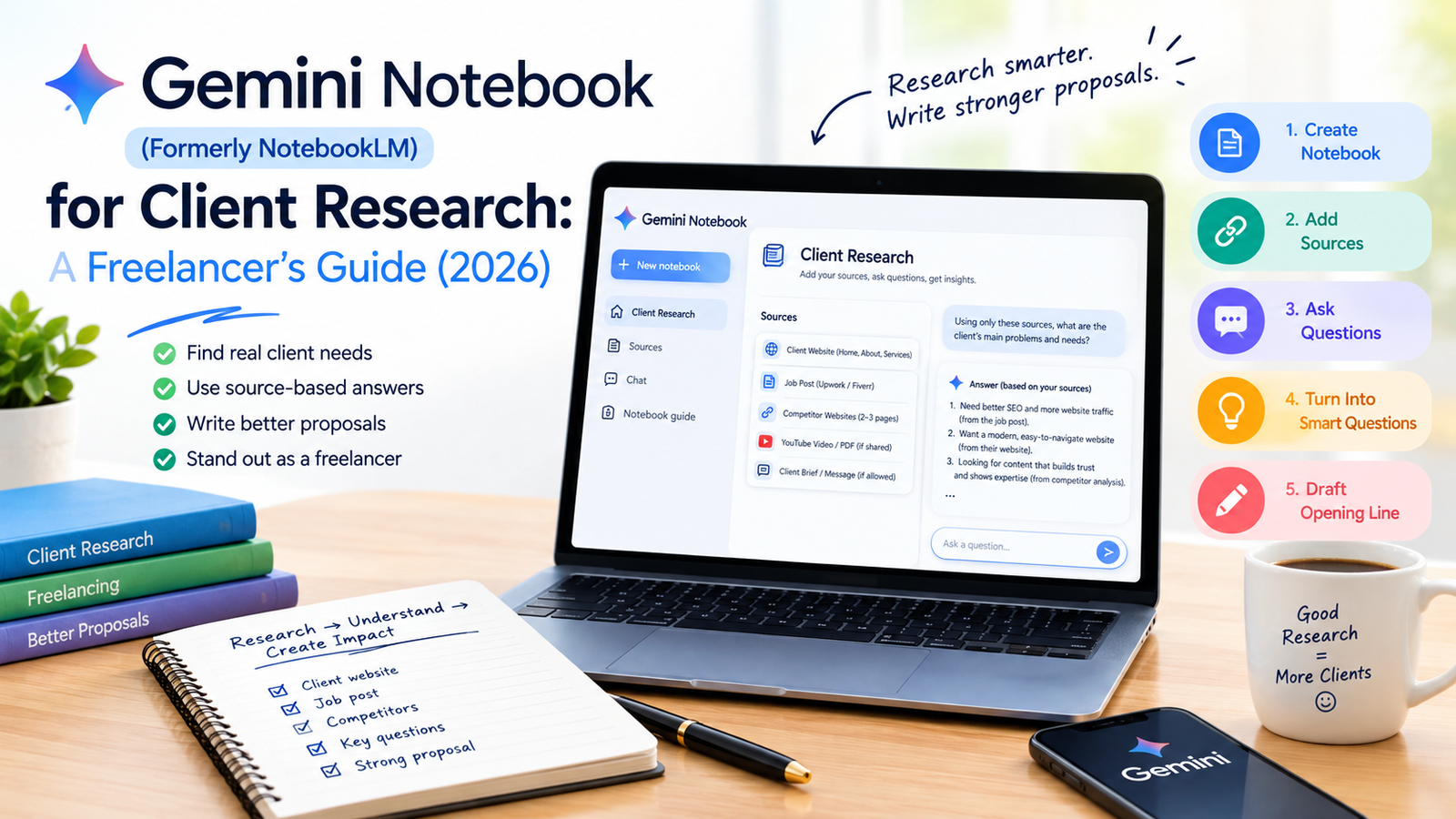
Most freelancers send proposals that could be sent to any client. The fix is simple: research the client properly before you write a single line. Gemini Notebook (the tool you may know as NotebookLM) is built for exactly this, because it answers questions using only the sources you give it.
NotebookLM Is Now Gemini Notebook
On 16 July 2026, Google announced that NotebookLM is now called Gemini Notebook. Google describes it as the same standalone research product, now connected more closely to the wider Gemini ecosystem. If you find older tutorials that say NotebookLM, they are talking about the same tool. You can read Google's announcement on the official Google blog.
Why It Works for Client Research
A general chatbot answers from everything it has seen, so it can invent details. Gemini Notebook is designed to ground its answers in the sources inside your notebook. That makes it useful when you need to understand one specific client: what they sell, how they talk, and what they actually asked for.
The 5-Step Client Research Workflow
Step 1: Create One Notebook Per Client
Open Gemini Notebook with your Google account and create a new notebook named after the client or job. Keeping one notebook per client stops different clients' information from mixing together.
Step 2: Add the Right Sources
Good sources give good answers. Useful things to add:
- The Upwork or Fiverr job post (paste the text)
- The client's website pages, such as Home, About and Services
- Two or three competitor website pages
- A YouTube video or PDF the client shared
- Any brief or message the client sent you, if you are allowed to use it
Step 3: Ask Source-Based Questions
Copy and adapt these prompts:
"Using only these sources, explain in 5 sentences what this business sells, who its customers are and how it makes money."
"List the 5 biggest problems or needs mentioned or implied in the job post. Quote the exact line for each."
"Describe this brand's tone of voice in 3 points, with one example line from the sources for each."
"What do the competitor pages offer that this client does not mention? List gaps only."
Step 4: Turn Research Into Smart Questions
"Write 5 questions I can ask this client before sending a proposal. Base each question on something in the sources."
Asking one or two of these questions in your proposal shows the client you read their material.
Step 5: Draft Your Opening Line
"Suggest a one-sentence opening for my proposal that shows I read their material. Do not invent facts."
Use the answer as a starting point, then write the proposal in your own voice. Our guides on ChatGPT prompts for Upwork cover letters and using Gemini for Upwork proposals show how to do that step.
Free Plan Limits You Should Know
Gemini Notebook has a free plan. According to Google's help pages, the free plan allows up to 100 notebooks, 50 sources per notebook and up to 500,000 words or 200MB per source. These limits are subject to change.
One important update: Google announced that from 2 September 2026, usage limits for consumer accounts are compute-based instead of fixed daily caps. Your limit depends on factors like prompt complexity, chat length, number of sources and the features you use, and it refreshes every five hours. Google does not publish the exact number for free users, so heavy features such as video overviews may use your allowance faster. Check the usage indicator inside the app. Details are in Google's post on the new flexible usage limits.
Mistakes to Avoid
- Uploading confidential files without permission. If a client shared private documents, ask before adding them to any AI tool.
- Trusting every answer. AI can still misread a source. Check important facts, names and numbers on the original page.
- Copy-pasting the output as your proposal. Clients can tell. Use the research, then write in your own words.
- Adding too many weak sources. Five relevant pages beat fifty random ones.
Final Thoughts
Better proposals come from better research, and Gemini Notebook makes that research faster. Build one notebook per client, ask questions that rely on the sources, verify the important details and write the final message yourself.
Sources and Last Checked
Last checked: October 2026. Product name and rename date come from Google's announcement. Usage limit changes come from Google's Gemini Notebook post. Free plan source limits can change, so confirm them inside the app.